How to Document a Repeatable Task in 30 Minutes
You do not need a long meeting or a big system to document one recurring task. A fast first draft is usually enough to remove the most expensive confusion on the next run.
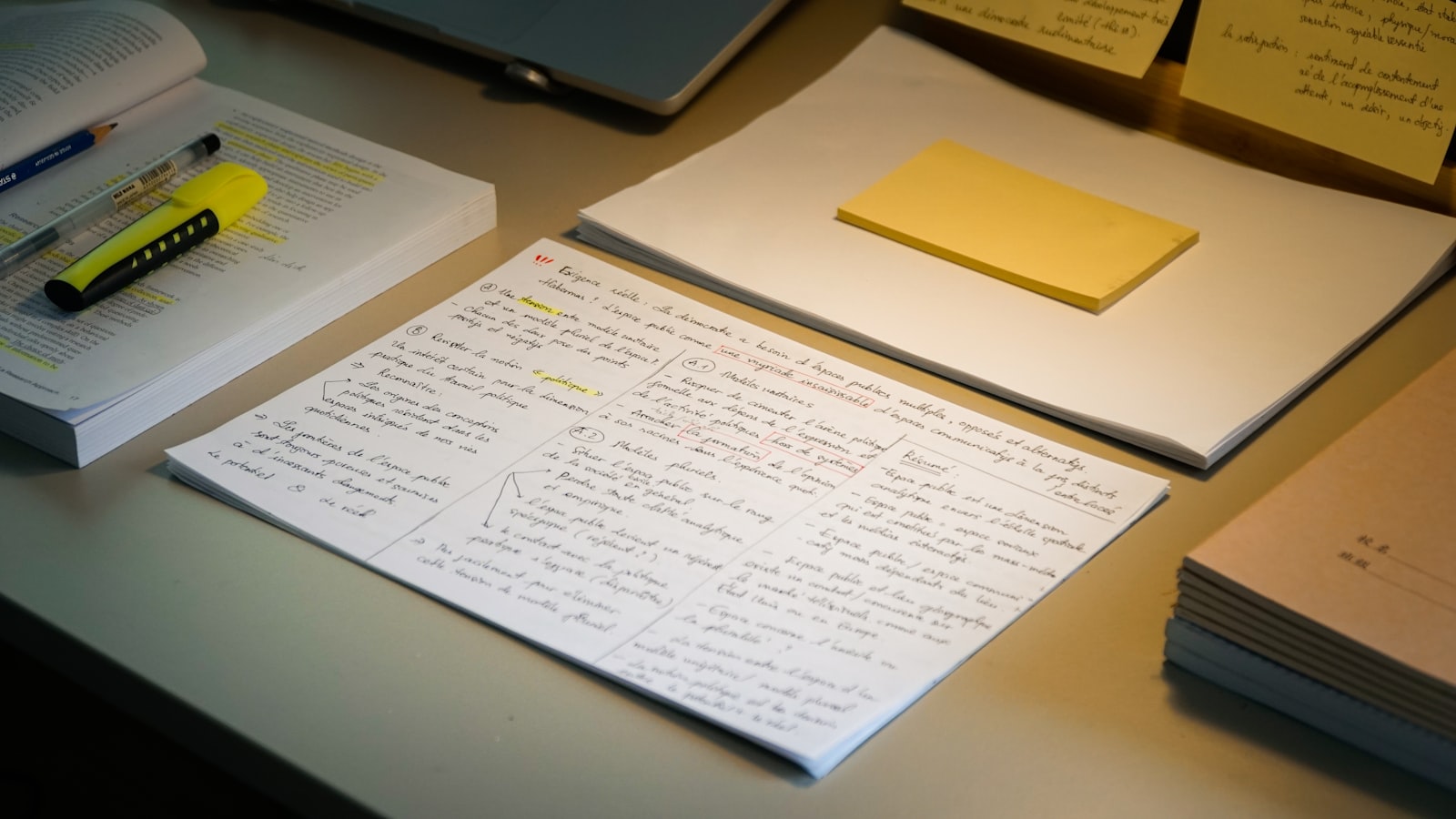
There is a universal law in small business operations: no process is ever documented until something breaks violently.
We avoid documentation because the very concept sounds bureaucratic. It feels like HR paperwork. You assume that "documenting a procedure" requires opening up a fresh Google Doc, writing a formal introduction, formatting bullet points perfectly, taking annotated screenshots, and organizing the whole thing in a beautiful nested folder structure.
You assume it’s going to take three hours. And because you do not have three hours, you don't do it.
You rely on "tribal knowledge." You keep the entire process of how to migrate a client database or how to compile the monthly analytics report entirely in your head. This works perfectly fine until you get sick, or you take a vacation, or six months pass and you completely forget which obscure setting needs to be toggled for the export wrapper.
The goal of documentation is not to write a beautiful wiki. The goal of documentation is to create a safety net for your own failing memory. And you can build that net in exactly 30 minutes.
The "Version One" Strategy
The secret to fast documentation is accepting that the first version will be ugly. It should be ugly. If it looks polished, you spent too much time on it.
The objective of Version One is simply to get the information out of the dark corners of your brain and onto a medium where it can be referenced. You are attempting to capture the "Critical Path"—the exact sequence of events that prevents disaster.
Do not document a task *after* you have completed it. If you rely on retroactive documentation, you will forget the micro-steps. You will write, "Export the user data," completely forgetting that before you export, you have to manually uncheck the "Include PII" box hidden in a submenu.
The only time you should document a task is simultaneously while you are executing it.
The 30-Minute Live Capture Protocol
Instead of scheduling an afternoon to write playing manuals, use this "Live Capture" method the next time the task naturally occurs in your workflow.
Strategy A: The Split-Screen Method (Low Tech) If the task is primarily text-based or highly technical, split your monitor. Have your main work application on the left, and a raw text editor or Notion page on the right. As you take an action on the left, you write a sloppy, one-line bullet point on the right. - *Login to WP Admin.* - *Go to Tools > Export.* - *Select 'Posts', skip 'Pages'.* - *Click the blue button. Wait for the zip file.*
Do not format this. Do not care about spelling. Just log the sequence of actions like a flight recorder. When you finish the task, you simply slap a title on the text file and dump it in your central database. You are done.
Strategy B: The Directors Commentary (High Tech, Zero Friction) If you hate typing, or if the process involves complicated user interfaces (like navigating the labyrinth of the Facebook Ads Manager), do not write anything at all.
Use a screen recording tool like Loom, CleanShot, or OBS. Before you start the task, hit record.
Now, do the task exactly as you normally would, but narrate your internal monologue out loud. *"Okay, I'm logging into the ad account. I always have to make sure I am on the correct client ID here in the top left, otherwise I'll charge the wrong card. Great. Now I'm going to campaign level. I'm duplicating last month's ad set. I'm changing the budget to $50..."*
When the task is done, you stop the recording. You now have an incredibly rich, high-fidelity, context-heavy SOP. The auto-generated transcript from Loom essentially writes the written document for you.
Defining the "Done" State
The most critical part of a 30-minute document isn't the beginning; it's the end. Most procedures fail quietly. You do the steps, something doesn't sync perfectly in the background, but because there is no error message, you assume it worked.
End every single document with a strong Definition of Done.
A Definition of Done explains exactly how to physically verify that the job was successful. - *Poor:* "The emails are scheduled." - *Excellent:* "Check the active queue in Kit. Verify the count is exactly 4,200. Send a test email to the main admin account. Click the hero link on mobile to ensure it does not broken."
If you define what success explicitly looks like, you eliminate the paranoia that follows completing a high-stakes task.
Summary
Documentation creates momentum. When a process is held only in your mind, every execution requires a cognitive toll. You have to actively concentrate on not making a mistake. Once the process is on paper, or in a video, the cognitive load vanishes. You simply follow the recipe.
Stop waiting for a quiet Friday afternoon to write your company handbook. The next time you do something complex that you don't want to figure out again in three months, hit record on your screen. That is all it takes to build a resilient operating system.